
Public payment request pages
Generate a PayLink that anyone can open, review, and use without first creating a Ciforus account.
Ciforus PayLinks
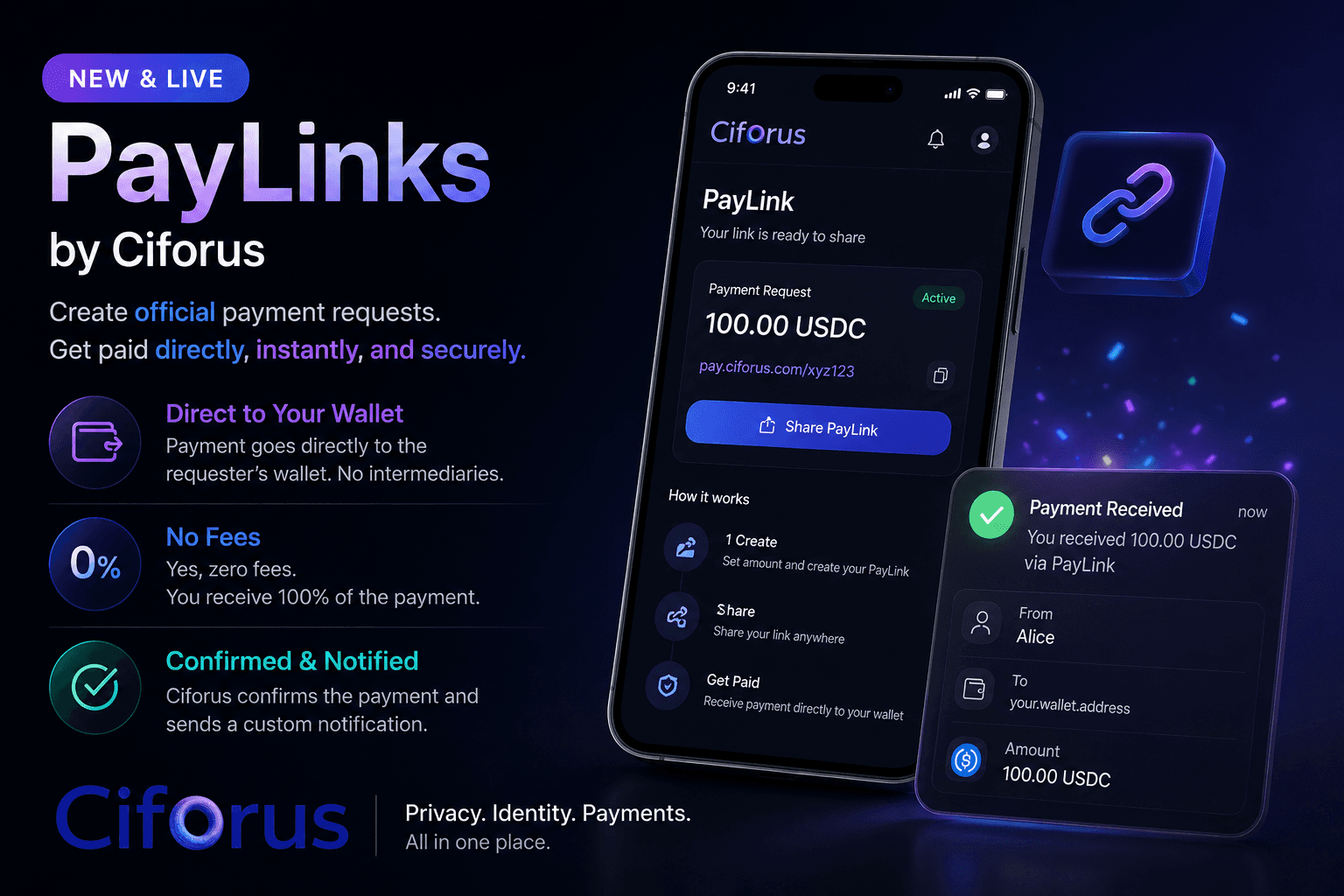
A PayLink turns a wallet request into a clear, professional page. It tells the recipient who is asking, what the payment is for, how much is expected, and where it will settle before a wallet action begins.
A complete request in one link
A bare address says almost nothing. A Ciforus PayLink can carry the requester identity, amount, purpose, recipient, supported assets, and destination ownership context on one reviewable page.
This makes PayLinks useful for professional work as well as public support. The request can be forwarded, revisited, and checked without losing the context that made it trustworthy.
Who PayLinks are for
Creators, consultants, developers, educators, community operators, and event hosts can request crypto without building payment infrastructure or reducing the request to an unexplained wallet address.
One link can work as a targeted invoice-style request or as a public page for support, access, and community payments.
The useful parts
PayLinks remove the need to assemble a payment request from a wallet address, a chat message, a rate conversion, and a follow-up confirmation. The request stays together.
Generate a PayLink that anyone can open, review, and use without first creating a Ciforus account.
Create simple fixed-amount pages for tips, donations, memberships, event access, or community support.
Attach a clear title, amount, purpose, and recipient so a crypto request carries the context people expect from a professional invoice.
Control accepted assets and presentation options, including tier-dependent branding controls, without building a checkout from scratch.
From request to confirmation
Create once, share the link, let the recipient review the request, and receive confirmation when the payment reaches its destination.
Set the title, amount, note, accepted assets, recipient details, and presentation. The context travels with the link.
The recipient opens the PayLink without creating a Ciforus account and reviews who is requesting what before taking action.
The recipient chooses a supported asset and sends the payment directly to the destination wallet shown in the request.
Ciforus detects the payment, confirms the result, and notifies the owner so delivery or fulfillment can move forward.
PayLinks are designed for wallet-to-wallet settlement. Ciforus does not position the module as a custody wallet for received amounts, so the flow does not depend on a withdraw queue or an internal balance before the owner receives payment.
Wallet Identity provides payment ownership context. Messaging and Email can carry the request. Security Center protects the account behind it. PayLinks belong to the product rather than operating as an isolated payment-page generator.
Use the live product
Create a professional payment page in the Ciforus app, choose the request context and accepted assets, then share one link instead of explaining a wallet transfer in pieces.
Ready to create one?
Open the app to build a PayLink, or explore how the rest of the Ciforus modules support the same identity.